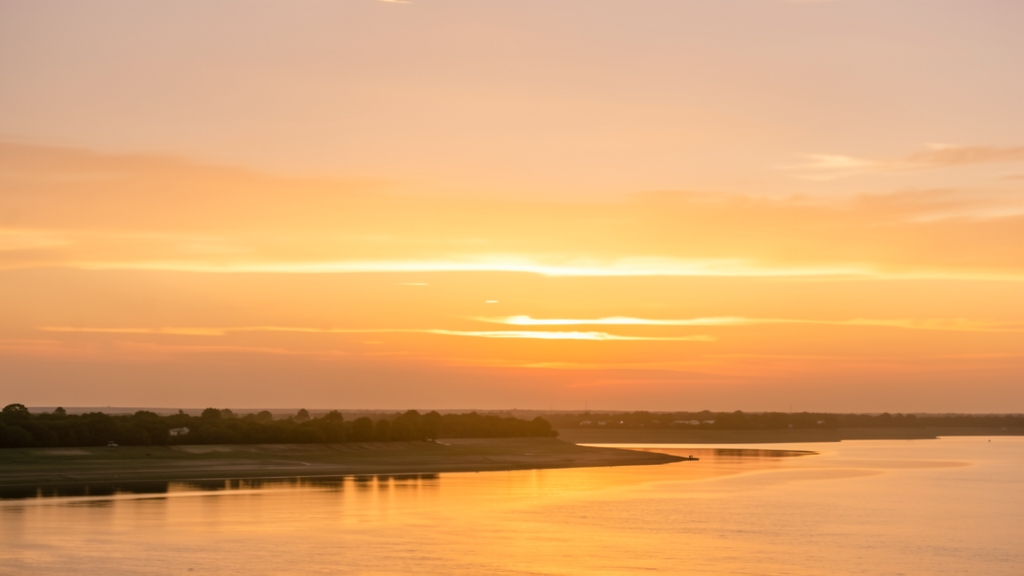
Have you ever scrambled a production crew just to capture a product shot during that fleeting 20-minute "golden hour" window? In traditional photography, changing the time of day for a campaign means an expensive reshoot, battling weather, and racing against the sun. But in the era of AI visual marketing, you control the sun. What if you could take a standard midday lifestyle asset and instantly transform it into a stunning sunset masterpiece without losing your product's context?
Prompt of the Week
"Generate an image of the same scene as [Image1], but showing it during sunset/golden hour. Keep the environment and composition consistent, but transform the lighting to warm sunset colors - golden orange sky, long shadows, warm amber light on subjects, sun low on horizon. Photorealistic, seamless continuity with original scene but in sunset lighting conditions."
- Category: Video & Storyboard
- Difficulty: ⭐⭐⭐ (Intermediate)
- Recommended Model: Nano Banana Pro
How This Prompt Works
This prompt is a masterclass in image-to-image translation. By explicitly referencing an anchor image and commanding the AI to "keep the environment and composition consistent," you are setting strict boundaries. The AI is instructed not to hallucinate a new background or reposition your subject, but rather to treat the original image as a rigid wireframe.
The magic happens in the highly specific lighting modifiers. Instead of just saying "make it sunset," the prompt breaks down the anatomical elements of golden hour: "golden orange sky," "long shadows," "warm amber light," and "sun low on horizon." This prevents the AI from simply slapping a warm color filter over the image. Instead, it forces the model to actually recalculate how the light hits surfaces, casts directional shadows, and interacts with the atmosphere.
Marketing Use Case
The Campaign: A "Day-to-Night" Instagram Carousel Ad.
The Scenario: A boutique hotel brand or outdoor apparel company wants to showcase how their offering transitions throughout the day. Instead of organizing two separate photoshoots, the marketing team shoots everything at noon. Using this prompt, they generate the sunset versions of their top-performing assets.
Expected Result: A highly engaging, visually cohesive swipe-through experience on social media. Users see the exact same angle of the resort pool or the hiking jacket, first in bright daylight, and then bathed in a luxurious golden hour glow. This lowers content production costs by 50% while doubling the creative output for A/B testing.
Variations and Customization
You can easily adapt this lighting transformation technique across different industries by tweaking the subject details:
- Fashion: "...transform the lighting to warm sunset colors, casting long dramatic shadows across the model's face, highlighting the texture of the silk dress with warm amber rim light."
- Food & Beverage: "...showing the al fresco dining table during golden hour. Golden orange sunlight filtering through leaves, long shadows from the cocktail glass, warm ambient light making the beverage glow."
- Tech & Electronics: "...showing the modern living room at sunset. Sun low on the horizon casting warm amber light through the window, contrasting with the crisp LED display of the smart home device on the coffee table."
Tips & Best Practices
- Manage Image Weight: When using an image-to-image tool, you must adjust your "denoising strength" or "image weight." If the AI changes the original scene too much, lower the strength. If the lighting doesn't look enough like a sunset, raise it slightly.
- Watch the Shadows: Golden hour is defined by its long, directional shadows. Ensure the AI is casting shadows in a direction that makes sense for where you placed the "sun low on horizon."
- Avoid the "Orange Wash": Sometimes AI overcompensates and turns the entire image orange. Counteract this by adding terms like "balanced shadows, crisp details, natural contrast" to keep the image looking photorealistic rather than heavily filtered.
Master Your Visual Marketing
Controlling the lighting of your assets long after the shoot is over is just the beginning. Whether you are storyboarding a commercial, iterating on social media ads, or building dynamic brand visuals, generative AI empowers you to scale your creative vision without scaling your budget.
Ready to automate your creative workflow and generate agency-quality assets in seconds? Discover how the right tools can transform your brand's visual identity at VIVID.